Industrial technology buyer’s guide | Kolkata, India
1. Define the viewing environment
Selecting a Industrial Monitor for Outdoor Applications for a project in Kolkata starts with the viewing environment and the information operators must read. High ambient light, glare, direct sunlight, dust, temperature and mounting position can affect performance. Define whether the display will be installed indoors near bright windows, in a sheltered outdoor location or in direct sunlight. Record the viewing distance, screen size, native resolution, brightness, contrast, input interfaces, power and mounting requirements before comparing suppliers. Elpro Technologies supports industrial computing and display enquiries from Bengaluru for OEMs and industrial teams across India.
2. Understand brightness and optical performance
Brightness is usually expressed in nits or cd/m², but a higher number by itself does not guarantee good sunlight readability. Contrast, anti-reflective treatment, viewing angle, optical bonding, panel technology and automatic dimming can be equally important. Ask whether the brightness figure is typical or a maximum value, how it is measured and whether it applies across the display area. Assess the screen in the expected lighting conditions and ensure the interface uses suitable font sizes, colours and contrast for operators.
3. Confirm interfaces and host compatibility
Check the physical and electrical integration before ordering. Confirm native resolution, aspect ratio, HDMI, VGA, DVI or DisplayPort inputs, touch USB or serial interface, power supply and cable length. Match the display to the host computer or controller, not merely to a connector that looks similar. For a replacement project, measure the cut-out, bezel, mounting depth, cable access and weight. For a new design, confirm the enclosure, mounting structure and thermal management early in the project.
4. Review environmental protection
Environmental protection must be considered at assembly level. Review the stated operating temperature, storage temperature, humidity, dust and water protection, vibration guidance and enclosure material. An IP rating may refer only to the front panel when installed using the correct gasket and cut-out. It should not be interpreted as proof that the complete monitor or cabinet is weatherproof. Ask for the exact datasheet and installation instructions, and check whether connectors and cable entries need additional protection.
5. Choose touch technology carefully
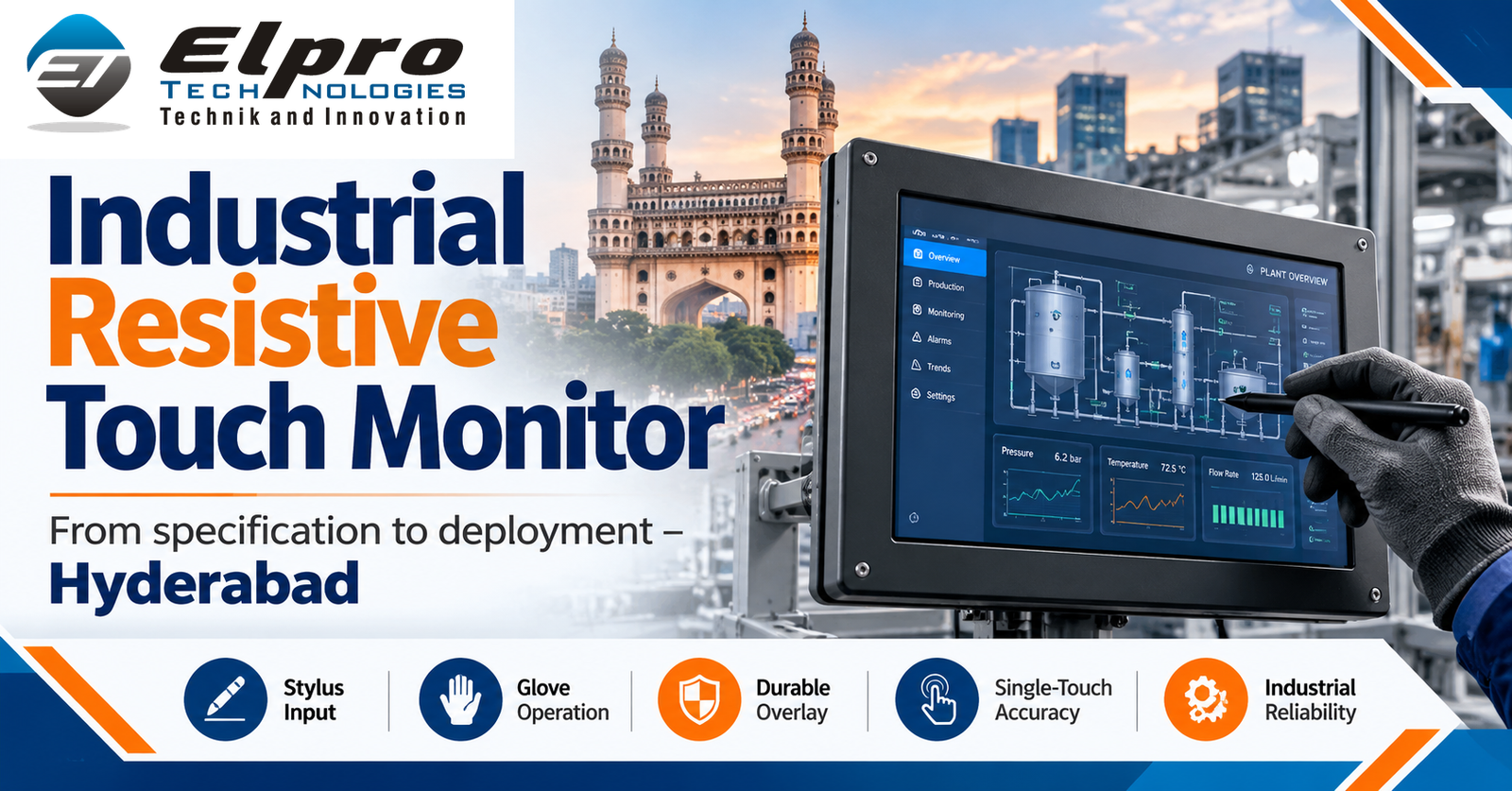
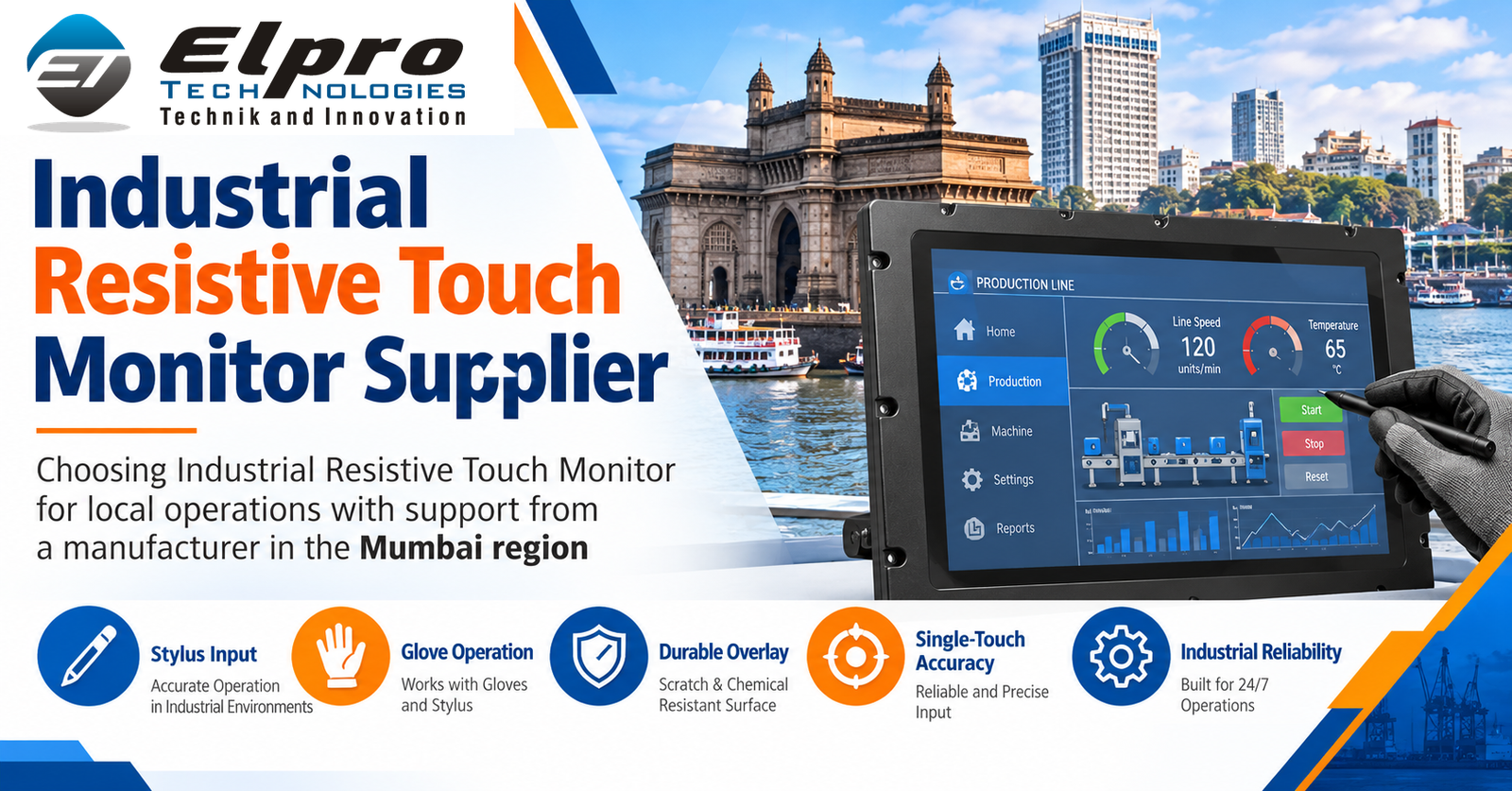
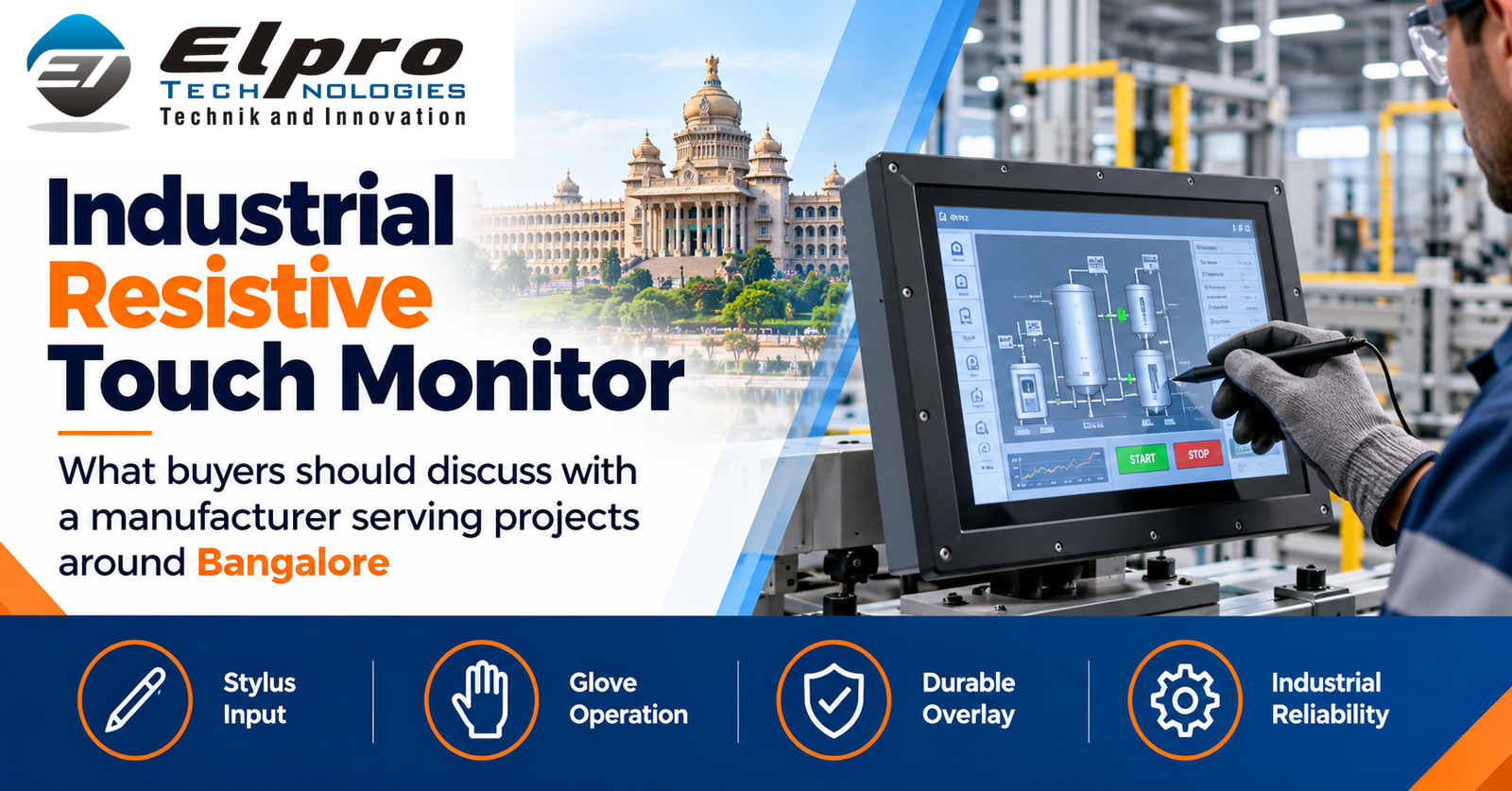
Touch selection depends on the operator task. Projected capacitive touch may offer multi-touch and a flat surface; resistive touch can suit some glove or stylus workflows; a non-touch display may be preferable when input is through physical controls. Test the chosen technology with actual gloves, moisture and cleaning routines. Check whether touch drivers are supported by the intended operating system and whether the host provides the required USB or serial connection.
6. Plan mounting and thermal management
Mounting and service access should be planned before procurement. Common options include panel, VESA, wall, rack and open-frame designs. Confirm hole spacing, panel cut-out, depth, weight, orientation and cable bend radius. Outdoor and high-brightness installations may need shading, ventilation, thermal separation or a protected cabinet. Consider operator eye level, glare through the day, access for maintenance and protection from accidental impact.
7. Evaluate lifecycle and service support
For continuous industrial operation, request information about duty-cycle guidance, backlight-life estimates, warranty, repair options, spare availability and product lifecycle. Lifetime figures are estimates under specified test conditions, not a guarantee that every component will operate without service. Plan a compatible spare where downtime would affect production. Keep the approved model number, datasheet, cable map and mounting drawing so maintenance teams can identify the correct replacement.
8. Prepare the RFQ and commissioning plan
A strong RFQ should include application, quantity, location, exposure conditions, brightness, size, resolution, touch, input ports, power, mounting, temperature range, ingress protection, delivery expectations and required documentation. Attach photographs and mechanical drawings where possible. During commissioning, check readability at different times of day, image stability, touch response, enclosure sealing assumptions, temperature, cable retention and operator acceptance. Record the final configuration and maintenance requirements.
12 Frequently Asked Questions
1. What is a high-brightness industrial display?
It is a display designed with elevated luminance for environments where ambient light can reduce readability. Confirm the actual brightness and other optical characteristics on the datasheet.
2. How many nits do I need?
The requirement depends on sunlight, shade, glare, viewing distance and cover glass. Determine site conditions and compare typical brightness values.
3. Is 1,000 nits always sunlight readable?
Not automatically. Readability also depends on contrast, reflections, optical bonding, viewing angle and the display’s installation.
4. Do I need automatic brightness control?
It can help where ambient light changes substantially. Confirm sensor placement, adjustment range and whether the feature is included or optional.
5. Which ports should I specify?
Match the source device and request the required HDMI, VGA, DVI or DisplayPort inputs, plus touch USB or serial if needed.
6. Can it be touch-enabled?
Many industrial displays offer touch variants. Choose PCAP, resistive or non-touch based on gloves, moisture, software and operator workflow.
7. What does front IP65 mean?
It generally refers to front-side ingress protection under defined test conditions when correctly installed. It does not necessarily rate the entire enclosure.
8. How do I manage heat?
Review sunlight exposure, enclosure temperature, ventilation and model operating limits. Use approved thermal design, shading or cooling if required.
9. Which mounting styles are available?
Panel, VESA, wall, rack and open-frame options are common. Check cut-out, hole pattern, weight, depth and service clearance.
10. Can I use a standard monitor outdoors?
Only if the complete installation is rated for the actual environment. Verify temperature, sealing, sunlight readability, power and mechanical protection.
11. What should an RFQ contain?
Include location, exposure, brightness, screen size, resolution, inputs, touch, mounting, power, quantity and required environmental documentation.
12. What should I test after installation?
Test visibility across lighting conditions, image quality, touch, temperature, power, sealing, mounting, cable retention and operator acceptance.
Independent technical references and related Elpro solutions
For further technical comparison, review Advantech, Keetronics, Portwell, Dynalog India and Comptek. These are independent technical resources, not claimed partners or endorsements. Verify current model specifications directly with the manufacturer. Related Elpro information: Elpro Technologies, Industrial Motherboard, Industrial Display, Panel PC and Industrial PC.
About Elpro Technologies
Elpro Technologies – Industrial Computing, Automation & Digital Technology Solutions in India
Elpro Technologies is a Bengaluru-based industrial computing and technology solutions provider supporting OEMs, system integrators, manufacturers and industrial organizations with industrial hardware, embedded platforms, automation technologies and customized enterprise solutions. Since 2007, the company has focused on industrial computing requirements across manufacturing, automation, infrastructure and enterprise applications. Buyers should confirm the exact model configuration, datasheet, availability and application suitability with the team before procurement.
Key products and solutions: Industrial Computers, Industrial PCs, Industrial Panel PCs, Fanless Industrial Computers, Embedded Computers, Industrial Motherboards, Single Board Computers (SBC), Firewall Boards, Industrial Tablets, Android Tablets, Touch Screen Kiosks, Interactive Kiosks, Information Kiosks, Digital Signage Systems, Industrial Displays, Touch Monitors, Mini PCs, Edge AI Computers, Edge Computing Platforms, Industry 4.0, IoT, smart manufacturing, industrial automation and customized OEM computing solutions.
Service locations: Bangalore, Chennai, Hyderabad, Mumbai, Delhi NCR, Pune, Ahmedabad, Kolkata, Kochi, Coimbatore, Jaipur, Lucknow, Noida, Gurgaon, Indore, Nagpur, Surat, Vadodara and other major Indian industrial and commercial locations.
Contact Elpro Technologies
Website: www.elprotech.in
Email: sales@elprotech.in
Phone: +91 8892147021 | +91 8892147023
Address: RT Nagar, Bengaluru, Karnataka, India
Elpro Technologies – Your Trusted Partner for Industrial Computing, Embedded Systems, Digital Signage, and Industrial Automation Solutions in India. Contact our team today for product specifications, technical consultation, customized solutions, and business enquiries.